AVAILABLE ALSO IN: Italian
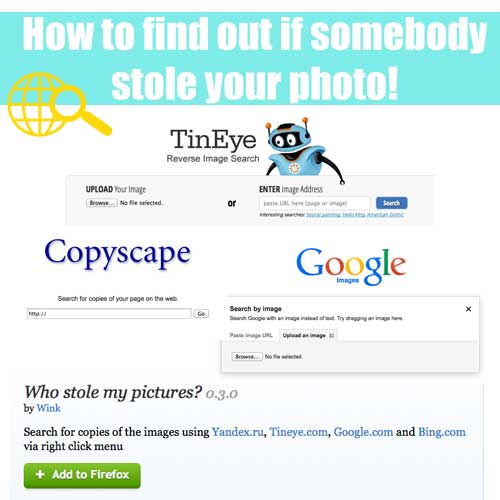
This is always a great topic and problem. Every image you create and every photo you take it is of course yours. As a blogger and party designer we all know that our photos are everything.
The time we spend for a tutorial, for a party, for a single shot….well, it is a lot of time and work!
So of couse it is not nice if somebody else just takes your work and post it on their page or blog without any credit and a proper link to your website.
There are actually different ways that you can use to check if your photo is being stolen and used without any permission or proper credit.
You can check for a photo or a text too in case you want to see if an entire post was used!
Here are 4 ways (but please write me if you know of other good tools!):
1. Reverse Search with Google:
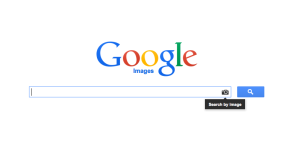
This is the most popular and used tool. Just go on google.com and click on the SEARCH BY IMAGE.
You can upload your photo OR paste the link of your photo (that you have on your blog).
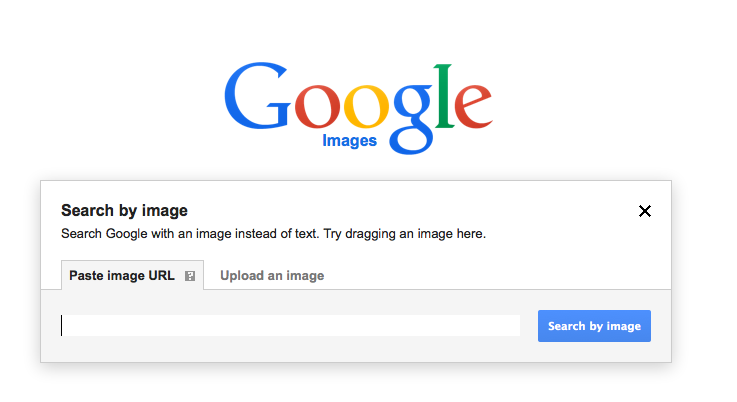
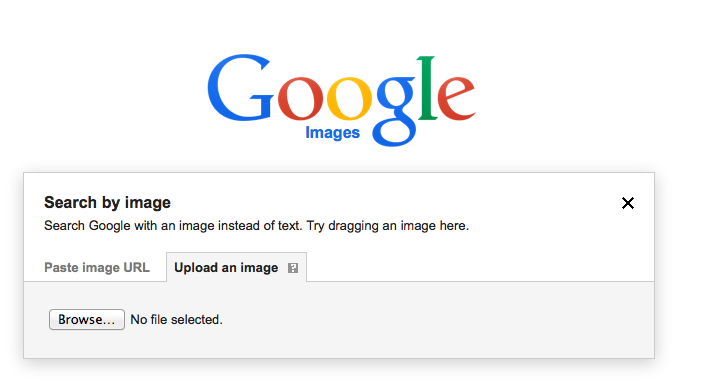
At this point you’ll see different results that you can check. And there is also a SIMILAR IMAGES list that can help you a lot, especially if somebody else took your image and changed it a little bit.
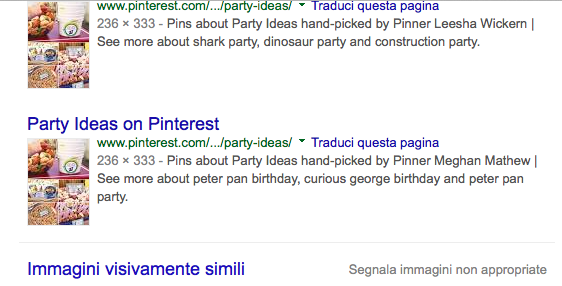
Just check on the links!
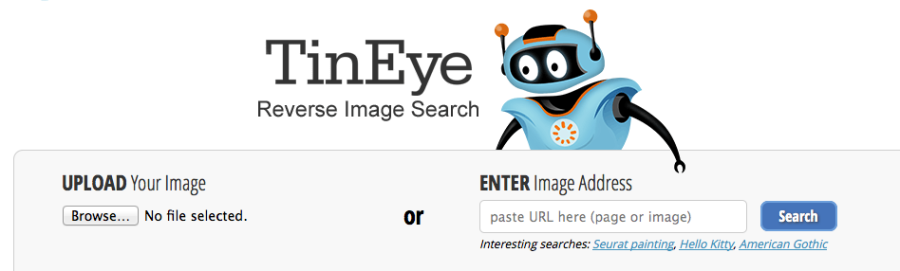
2. Tineye
Go to
www.tineye.com
and do the same like with the image search on google. It is basically the same but sometimes results can be different!
3. Copyscape
Copyscape
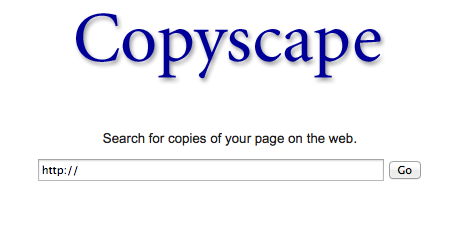
is a good tool especially for your text and blog posts. You simply paste the link of your page!
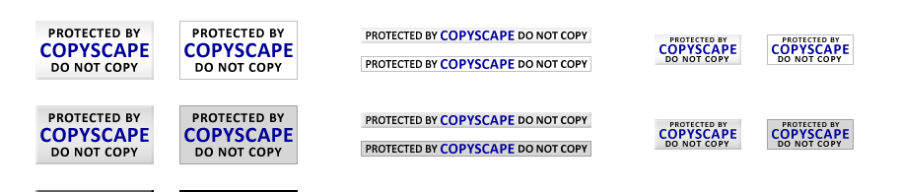
There is also a very nice page with different buttons you can put on your block to kinda “protect” your content.
4. Who Stole my pictures – add on of Firefox
“Who stole my picture”
is a FIrefox pugin that uses different websites for the research. Very easy and handy!

I’ll write about what to do when you find out that somebody has your photo or content!


I am just a pintrest surfer and found this gem of advice in case I decide to start a website. I was asked once how to check and see if someone else is hacking intellectual property. now I know. . . blessings!
Cecelia